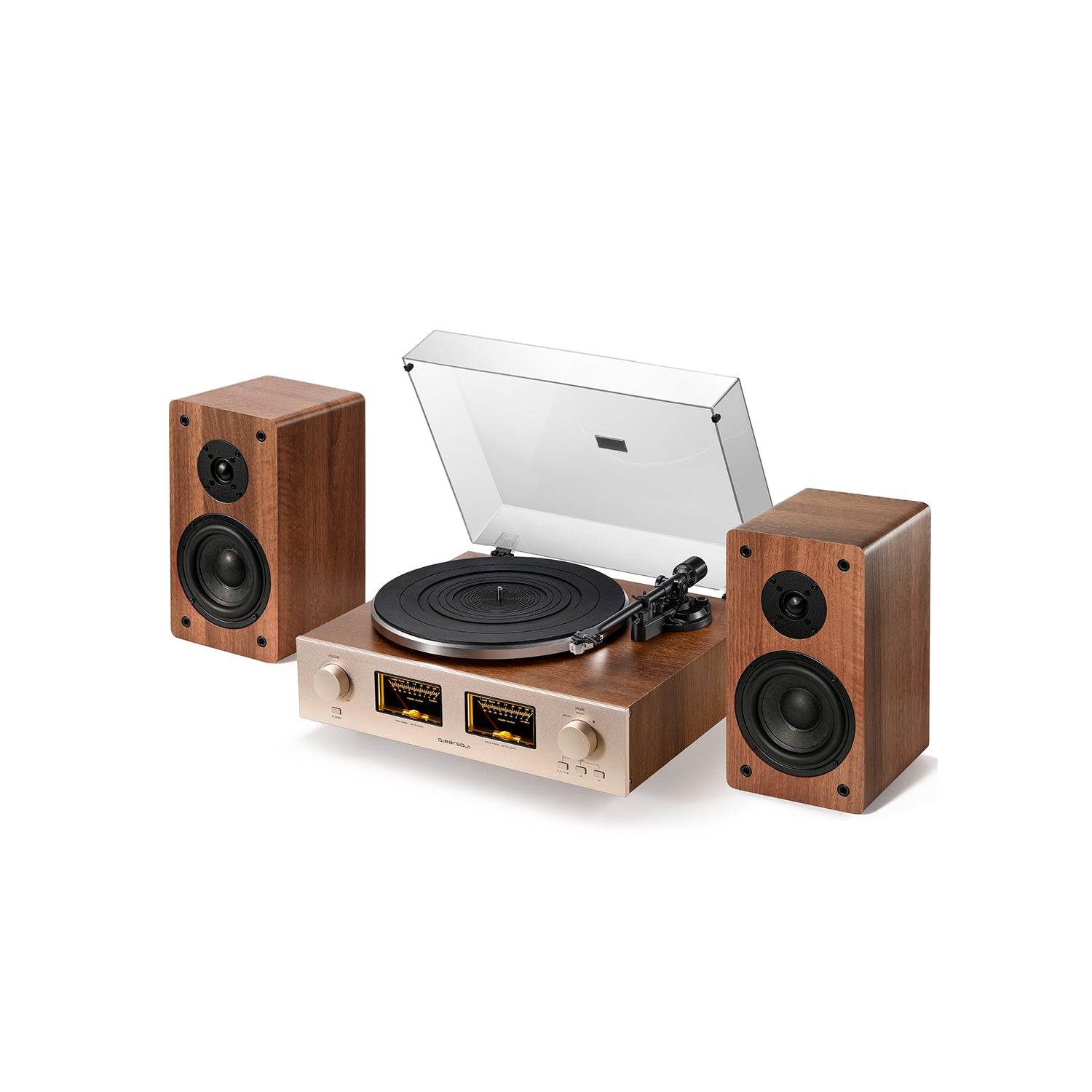
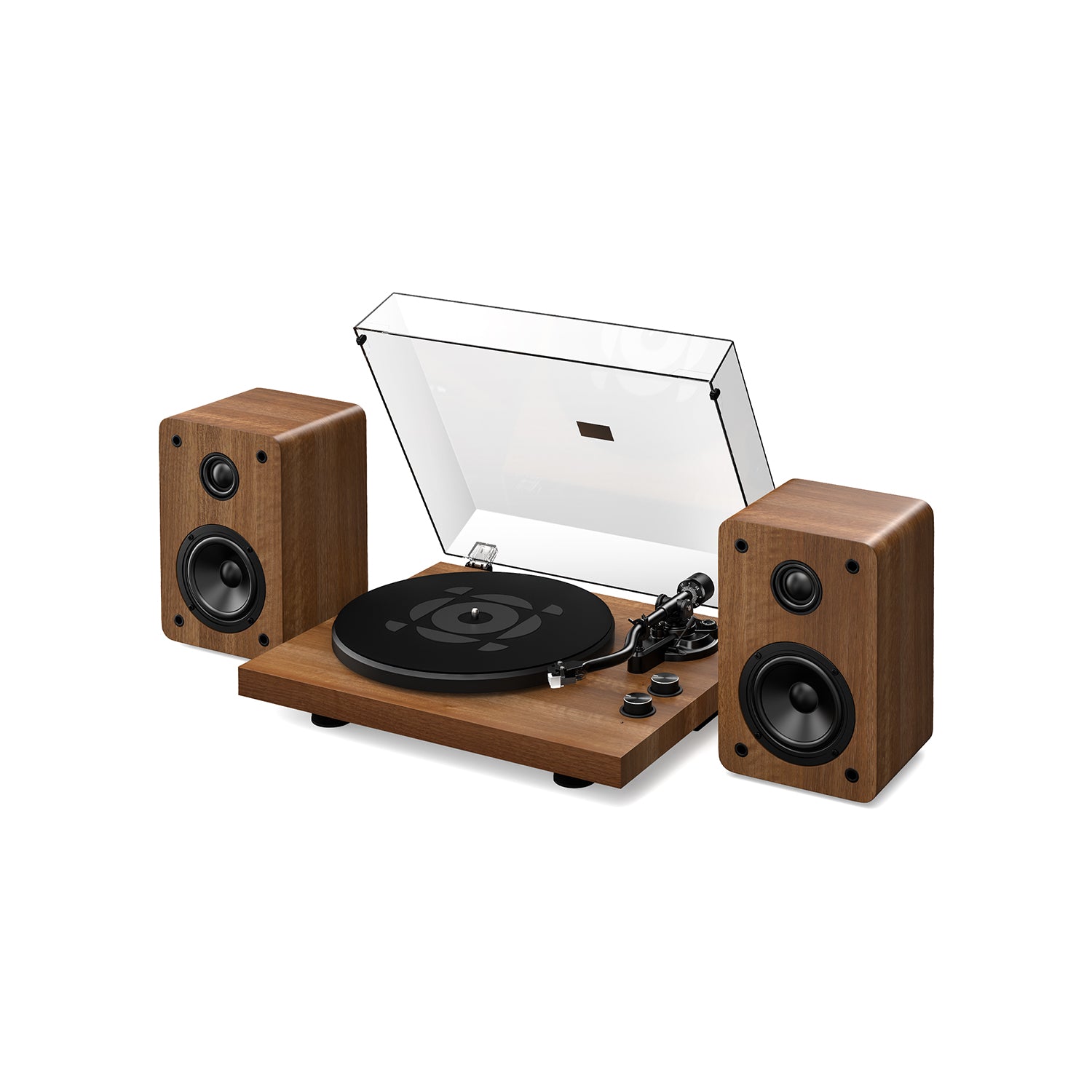
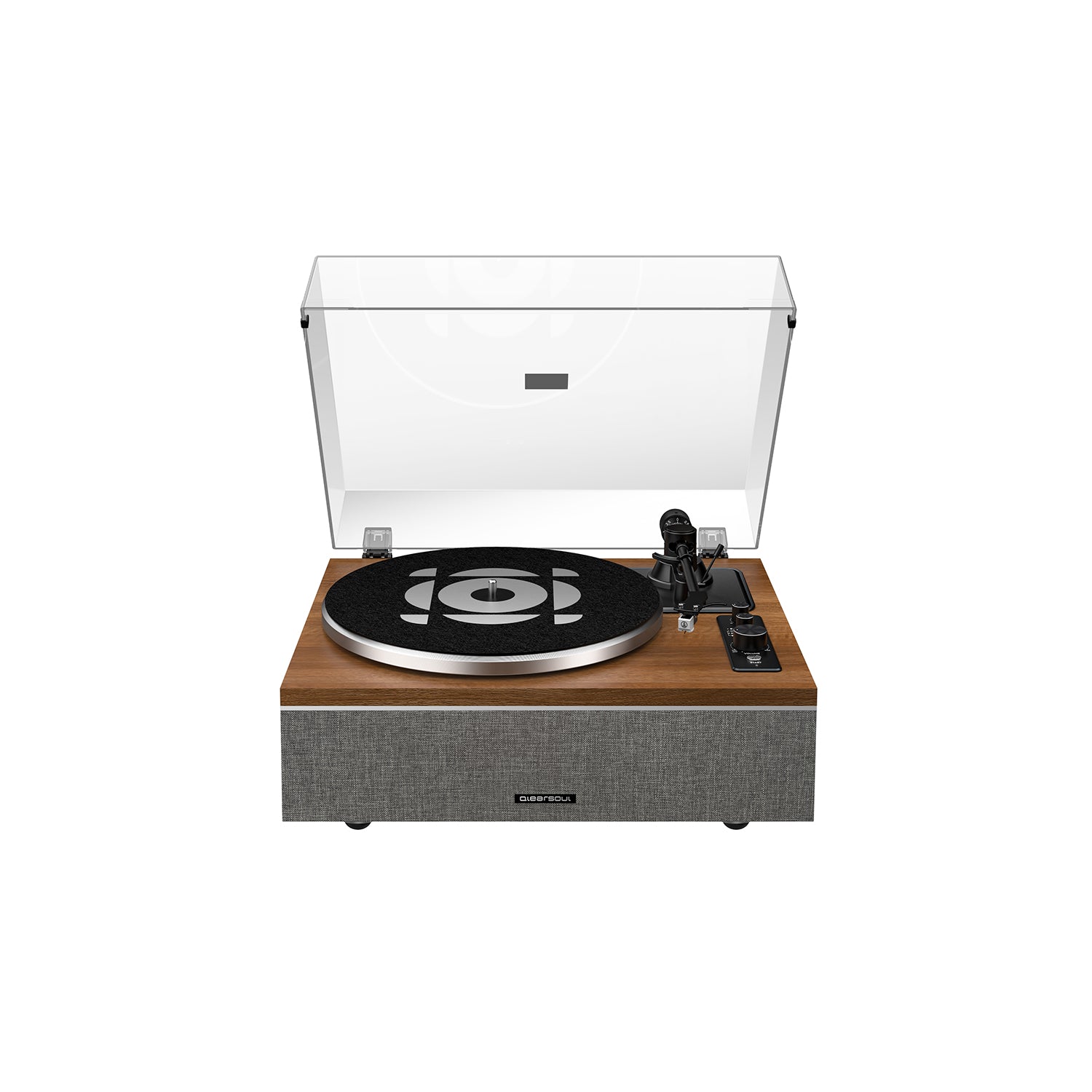
- When switching to 33 or 45 RPM, the turntable will automatically enter Bluetooth output mode with a two-minute pairing window.
- Alternatively, you can manually toggle pairing mode by long-pressing the “START” button. This will stop or start the flashing indicator light if you prefer it off or on.
💡ONE-S Indicator Light Color Guide
🔵✨Fast flashing blue:
The Bluetooth input function of ONE-S is enabled and the device is searching for a Bluetooth device to pair with (such as a smartphone, computer, or other audio source).
🔵〰️Slow flashing blue:
The Bluetooth input function of ONE-S is enabled and successfully connected to a Bluetooth device (such as a smartphone, computer, or other audio source), but no music is currently playing.
🔵Solid blue:
Music is currently being played through ONE-S via Bluetooth input.
🔴🔵✨Fast flashing red and blue:
In Turntable Mode (33/45 RPM), the Bluetooth output function of ONE-S is enabled and the device is searching for a Bluetooth device to pair with (such as Bluetooth headphones or Bluetooth speakers).
🟣Solid magenta:
In Turntable Mode (33/45 RPM), the Bluetooth output function of ONE-S is enabled and successfully connected to a Bluetooth device (such as Bluetooth headphones or Bluetooth speakers).
🔴Solid red:
Pure Turntable Mode is active (33/45 RPM). The Bluetooth output function of ONE-S is disabled. To activate Bluetooth output, press and hold the “START” button until the indicator starts flashing red and blue. (The Bluetooth pairing window will remain open for 2 minutes only.)
Notes:
1. The Bluetooth output function of ONE-S features memory pairing and will automatically prioritize the last connected Bluetooth device (such as Bluetooth headphones or Bluetooth speakers). To switch to another Bluetooth device, temporarily turn off the Bluetooth function of the previously connected device.
2. When pairing ONE-S via Bluetooth output, make sure the Bluetooth headphones or Bluetooth speakers you want to connect are in pairing mode and disconnected from other devices such as smartphones or computers.
If the issue persists, please contact us at support@qlearsoul.com, or submit the Contact Us form.
Tell us:
-
Where you purchased the product
e.g., qlearsoul.com, woot.com, amazon.com, amazon.ca, amazon.co.uk, amazon.de, amazon.fr, amazon.it, amazon.es, amazon.com.be, amazon.nl, amazon.ie, walmart.com, or other.
- Order number
-
Item name (ONE-Q / ONE-S / SoulBox S1 / HiFire X)
- We recommend emailing us directly at support@qlearsoul.com with photos or videos explaining the issue, so we can assist you more quickly.
P.S.: Warranty Available for Official Purchases Where To Buy
Official Purchases: Amazon / Walmart store 🛒Qlearsoul Audio