


Skip to HiFire X7 support
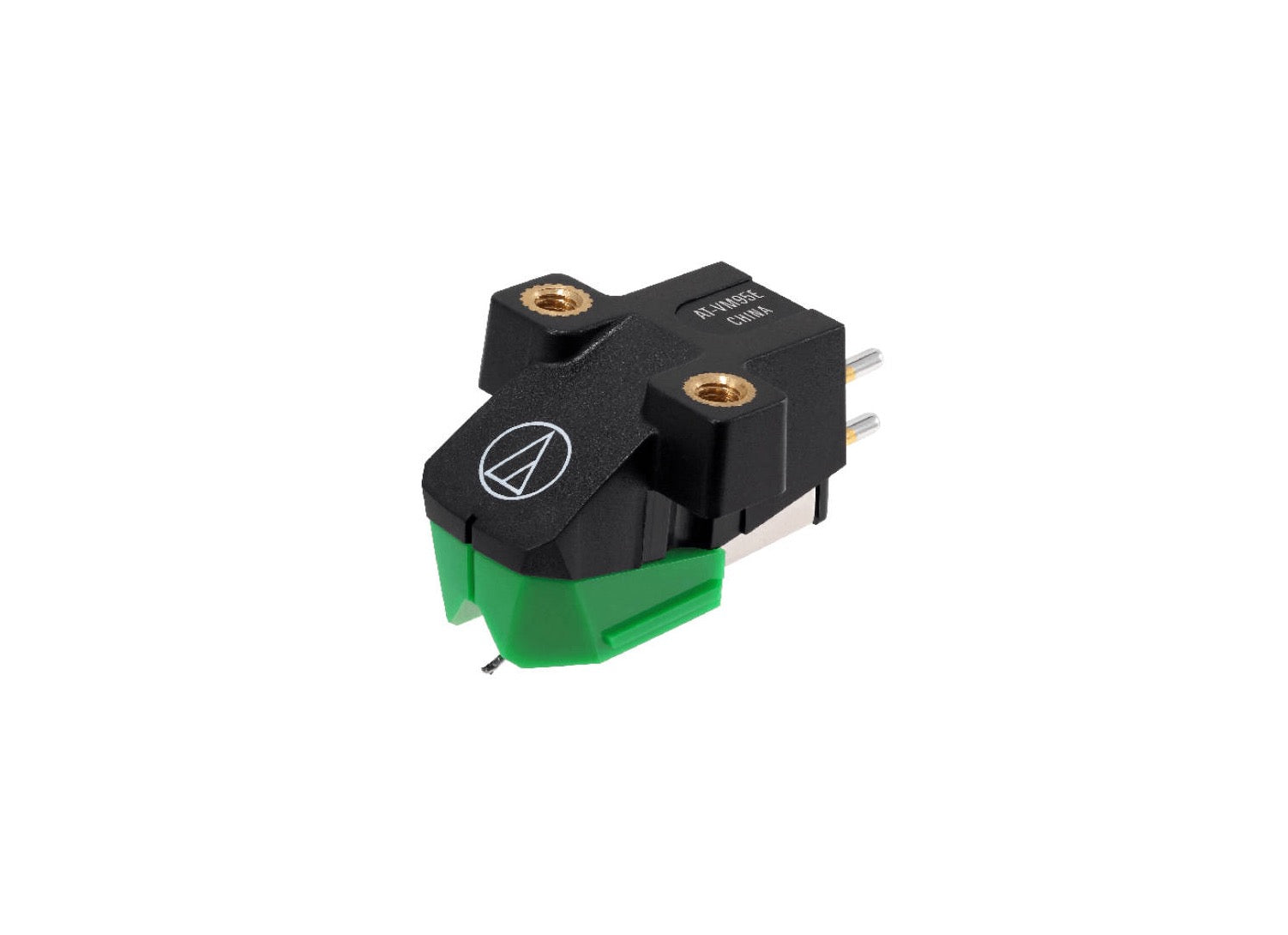 QlearSoul Replacement Stylus
$ 364.98Shop Now
QlearSoul Replacement Stylus
$ 364.98Shop Now
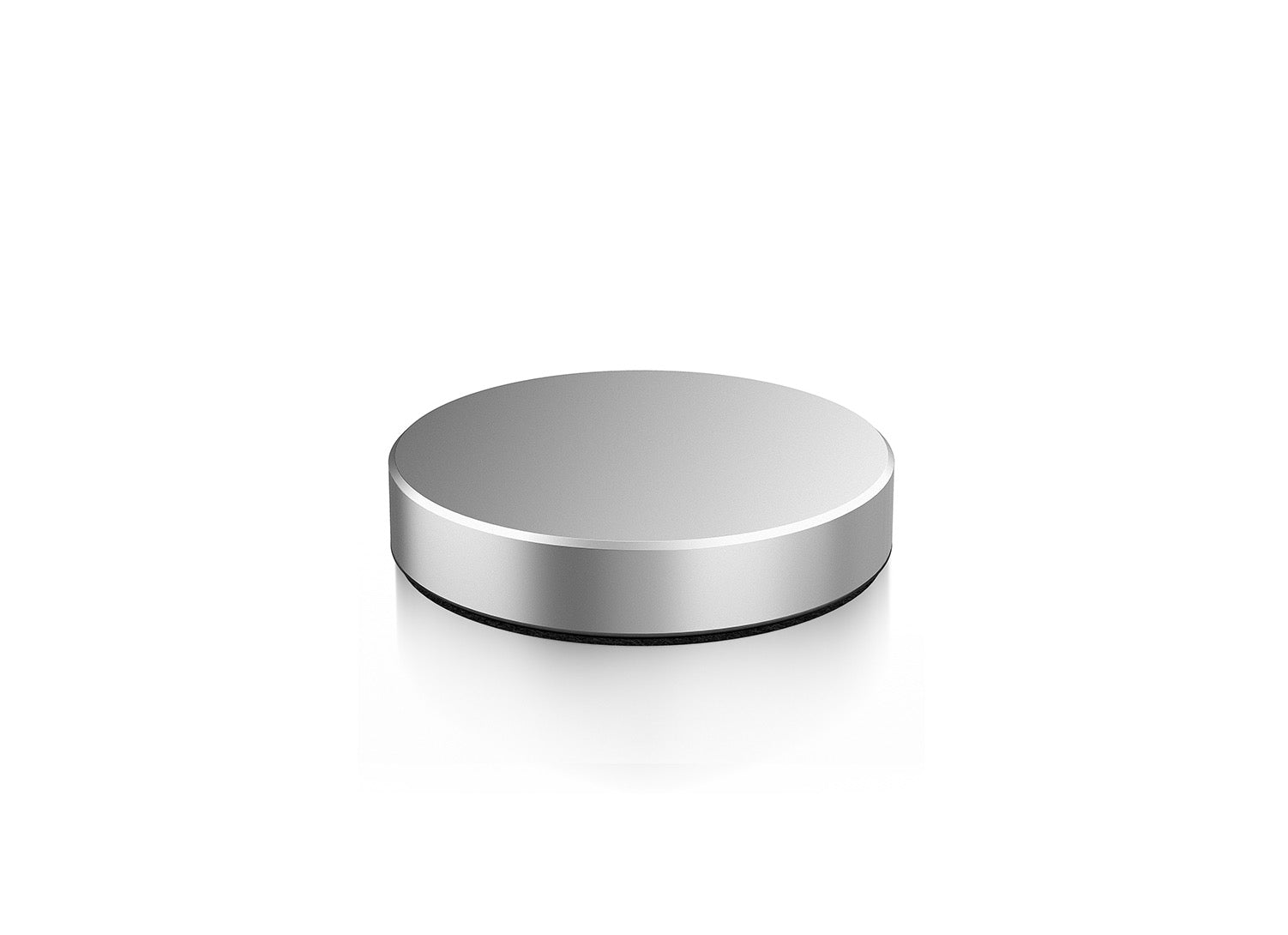 QlearSoul Record Weight
$ 364.98Shop Now
QlearSoul Record Weight
$ 364.98Shop Now
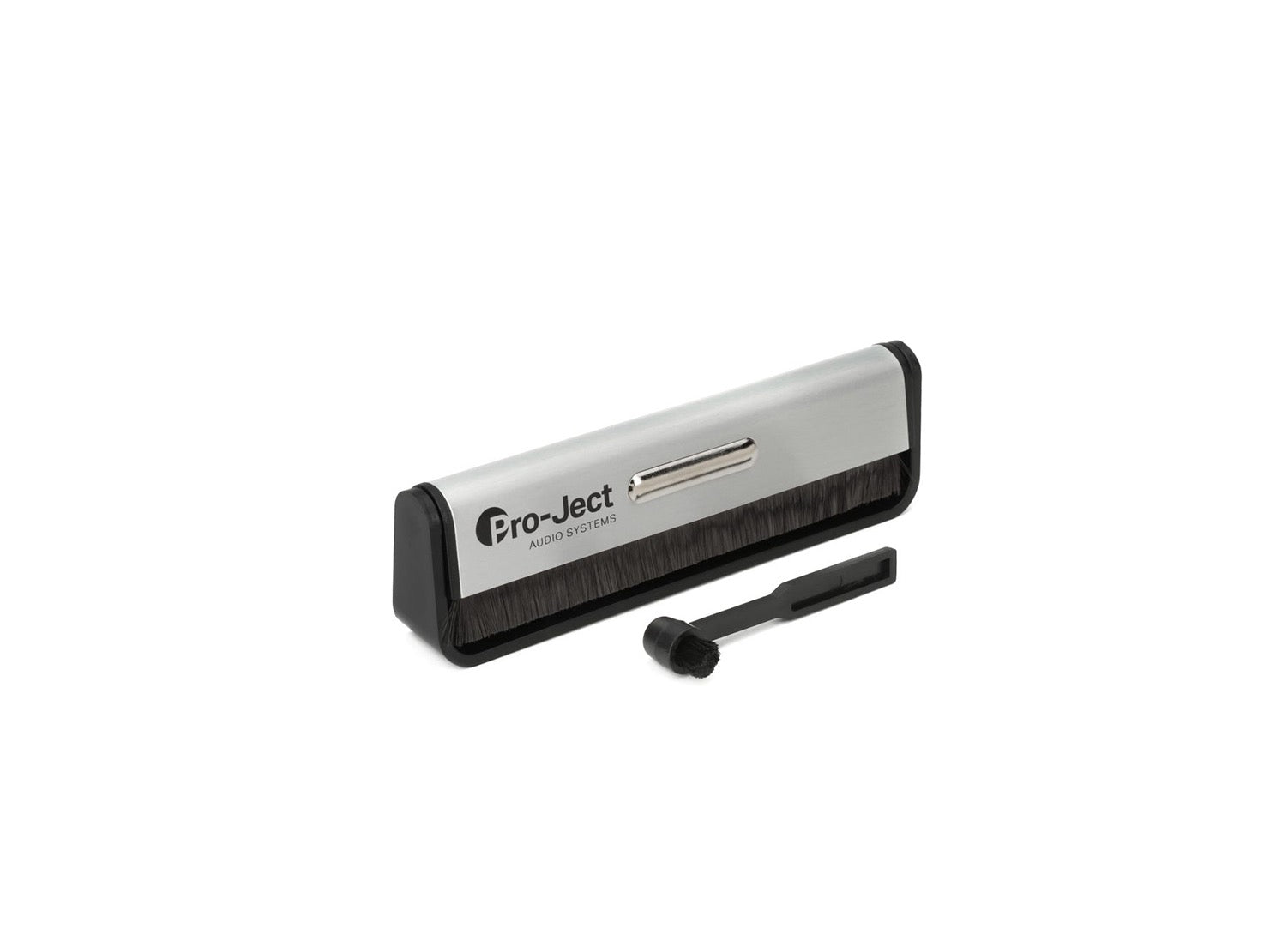 QlearSoul Cleaning Kit
$ 36.98Shop Now
QlearSoul Cleaning Kit
$ 36.98Shop Now
 QlearSoul Replacement Belt
$ 364.98Shop Now
QlearSoul Replacement Belt
$ 364.98Shop Now
Support Videos
Connect Your Speakers
Bluetooth & Playback
Tonearm Balance
45 RPM Playback
Stylus Care
Sound Troubleshooting
Manuals & Downloads
Product FAQ
6With the turntable powered off, set anti-skate to zero, release the tonearm and rotate the counterweight until the arm floats level. Return the arm to its rest, set the tracking dial to zero, then rotate the full counterweight to the recommended tracking force.
Check that both speaker cables are firmly connected with matching polarity, select the correct source, raise the volume gradually and confirm the stylus guard has been removed.
Select Bluetooth mode on the HiFire X7, open Bluetooth settings on your device and choose the HiFire X7. Disconnect another paired device first if the system does not appear.
The HiFire X7 supports 33⅓ and 45 RPM playback. Match the speed selector to the record before lowering the tonearm.
Switch the system off and use a dedicated stylus brush, moving gently from back to front in the same direction a record travels. Do not brush side to side or use household cleaning fluid.
Yes. Keep enough clearance around the tonearm and make sure the cover closes without touching the record or cartridge.
Related Products & Parts
 QlearSoul Replacement Stylus
$ 364.98Shop Now
QlearSoul Replacement Stylus
$ 364.98Shop Now
 QlearSoul Record Weight
$ 364.98Shop Now
QlearSoul Record Weight
$ 364.98Shop Now
 QlearSoul Cleaning Kit
$ 36.98Shop Now
QlearSoul Cleaning Kit
$ 36.98Shop Now
 QlearSoul Replacement Belt
$ 364.98Shop Now
QlearSoul Replacement Belt
$ 364.98Shop Now
Local video preview